Families & Homeschoolers
Family planRoom for up to 6 students on one plan.

Videos, games and a timeline kids fill in themselves, made for educators who want music history kids actually remember.

Join the waitlist and get the very first email when doors open.
The lowest price is only for the first 24 hours.
Waitlist members hear first.
Watch your inbox. You’ll get the first email the moment doors open on Black Friday, so you can grab the lowest price.
Room for up to 6 students on one plan.
A few minutes at each lesson, or a full group class.
One teacher, all their students.
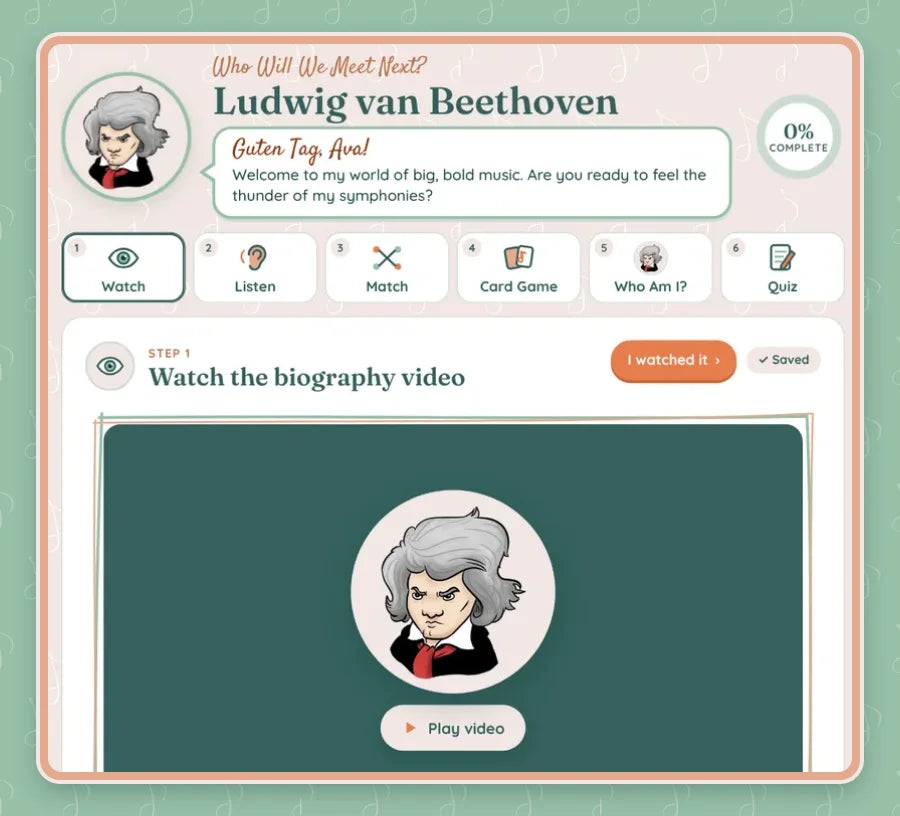
Every composer greets your students by name, and their biography video plays right inside the lesson. No clicking away to YouTube.
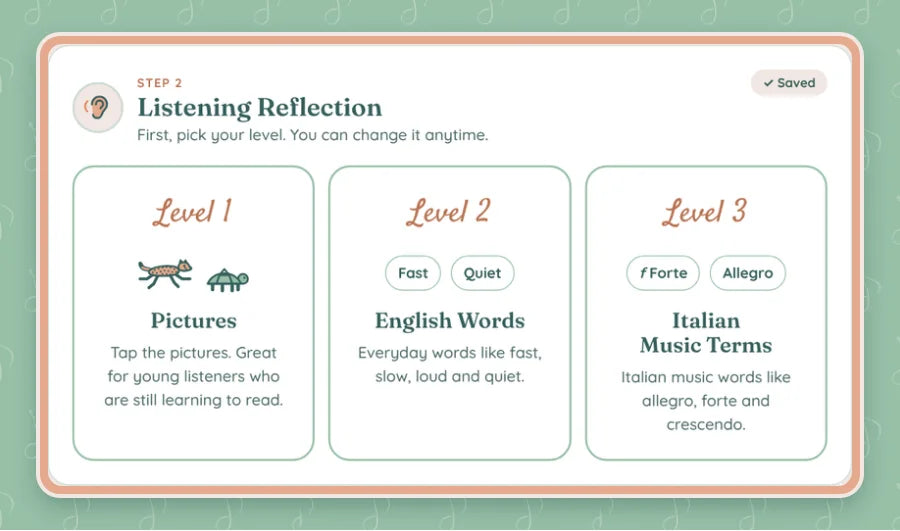
Kids listen to the real music and reflect on it at the level that fits them right where they are.

Matching, card games, “Who Am I?” and a quiz. Everything checks itself, so you don’t have to.
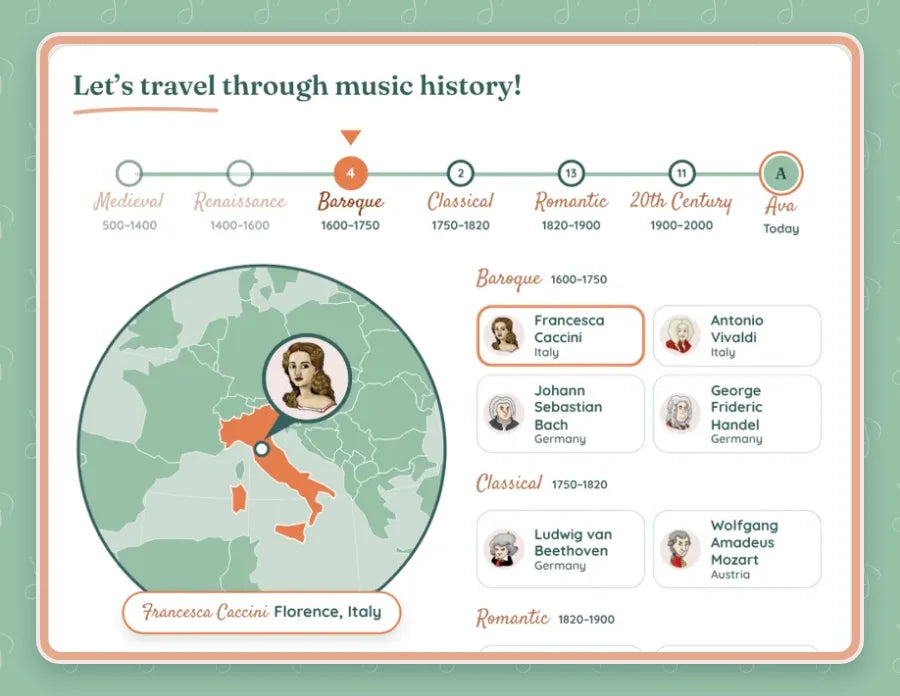
Spin the globe to see where each composer is from, and the timeline shows when they lived.


Add at launch
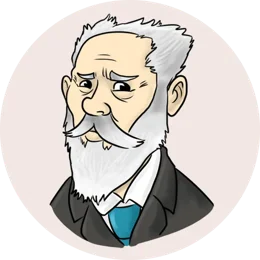

New composers are released from the Vault all year.
WOW!! Girl, I’m soooo impressed. This is sooo cute, easy to use and I’d 10000% use it with my students!! 🥰👌
I absolutely love your Composer Chronicles Academy! So clever, interactive, educational and fun! Great Christmas Gift idea!
Oh my gosh! This is the COOLEST thing! A way to keep track of it all! I can’t wait to see more! So cool!
I want to keep playing in the website! So fun!!
I think these would be GREAT lessons for group classes to do the whole thing in one or two sittings
Ok first off it’s ADORABLE and so pretty!
That birthday feature is really cool
girlllllllll my history loving heart is EXPLODING 😍
I can’t wait to use this with my kiddos when it’s ready! And share it with other teachers too 🥰
You’re amazing!! I’m so impressed 😍👌
Ohhh this is SO cool!!
Doors open in
Send them the waitlist so they hear when doors open too.
No. You pay once and it’s yours to keep.
Doors open Black Friday, November 27 at 6:00 PM Pacific, and close Thursday, December 3. The lowest price is only for the first 24 hours, so join the waitlist to get the link first.
Every plan starts with Beethoven, Florence Price and Vivaldi. At launch you can also add Tchaikovsky and Francesca Caccini, and new composers are released from the Vault all year.
Yes! Each new composer is a one-time add-on you can unlock from the Add Composers page in your Academy, whenever you’re ready. Once you add a composer, they’re yours to keep, and new composers are released from the Vault all year.
The Family plan has room for up to 6 students. The Classroom plan is for one teacher, all their students, so it’s the one for music studio teachers and classroom teachers.
A computer, tablet or phone with internet.
Yes! Progress saves online, so students can pick up right where they left off on any computer, tablet or Chromebook. You make a class code in your Academy and share it (or its join link) with your students. They just type in the code, no accounts or passwords needed. We only save each student’s first name and their progress.
No. Joining the waitlist is free.